Living Pixel Pals in your Dynamic Island
Find your favorites in Pixel Pals, Bloub, Eyes, Headshots, and Notchi. Pair companions beside your notch, or keep useful Basics close by.
✨Featuring Miso, Biscuit, Clover, Pip, Mochi, Maple, Pebble, Waffles, Pudding & Bubbles
Free starter content · Optional account for purchases and downloads
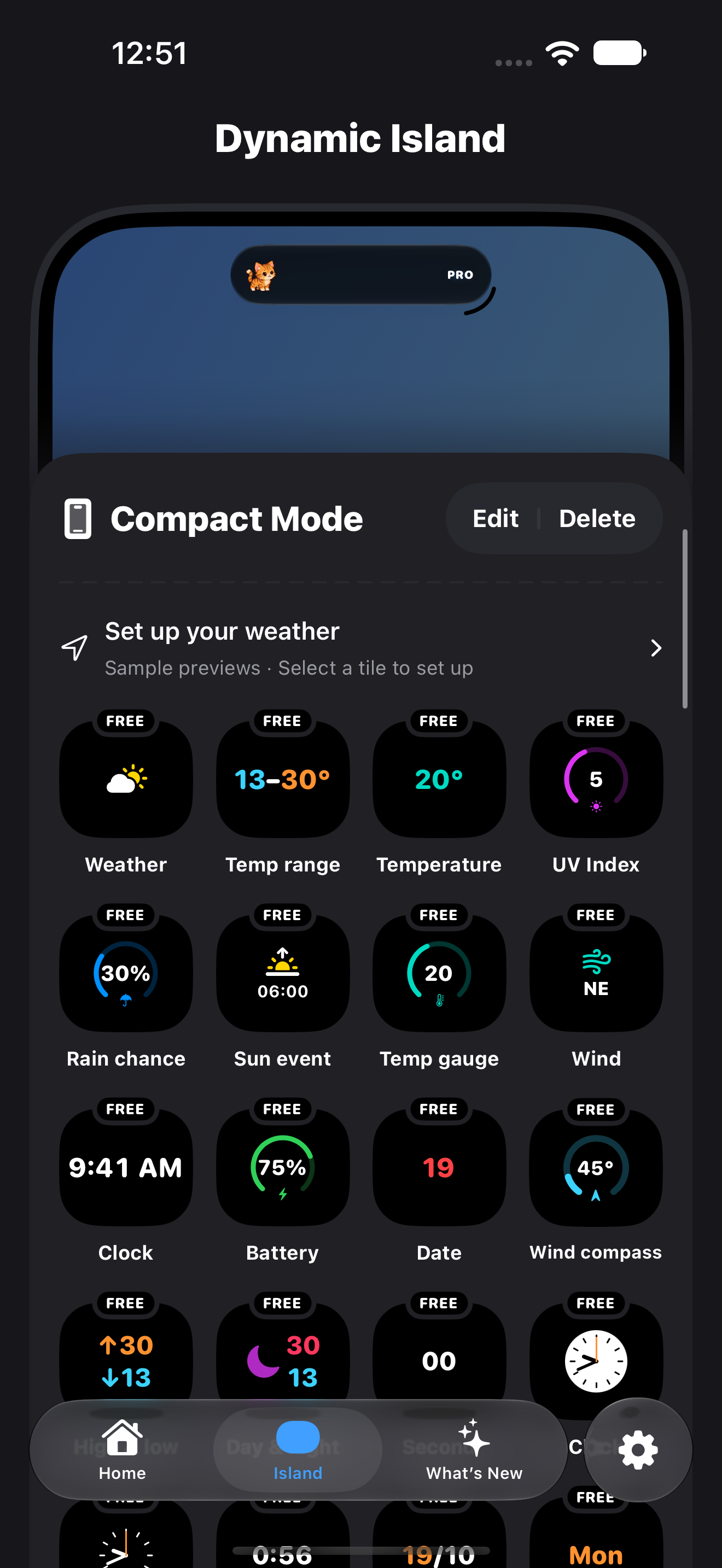
A look inside Notchi · Explore companions and actions in the app
Find a little personality for your Island
A few favorites from the app. Browse each collection and choose its actions inside Notchi.
Pixel Pals
Miso and nine more tiny companions

Bloub
Shapes, colors, and a little personality


Eyes
One character, both sides of your Island
Basics
Weather, clock, battery, and more

Headshots
Small portraits with expressive reactions
Notchi
Our little ghost, made yours
Three surfaces, crafted for your daily rhythm
Choose a compact pairing, open an expanded companion view, or keep your companions on the Lock Screen. iOS controls Live Activity visibility and animation.
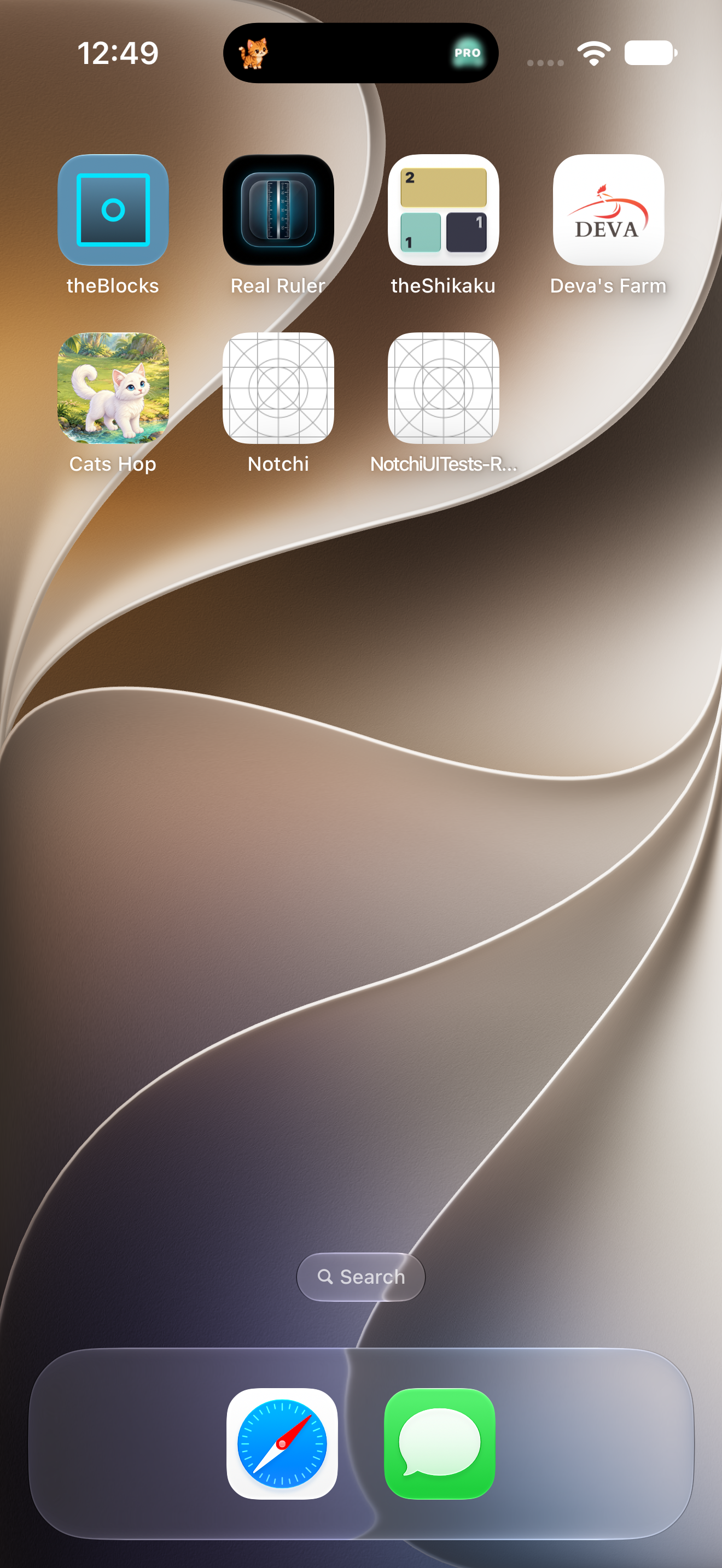
- 01 · Compact158 × 37 pt
Independent Dual Slots
Assign the left and right corners of your Island independently. Pair two companions, or place a pal beside the weather for your selected city.
- 02 · ExpandedLong-press
Living Companion Rooms
Touch and hold the Island to open your companion room. Give your Pixel Pal or Bloub room to move, see paired Eyes at a larger size, and use supported companion actions.
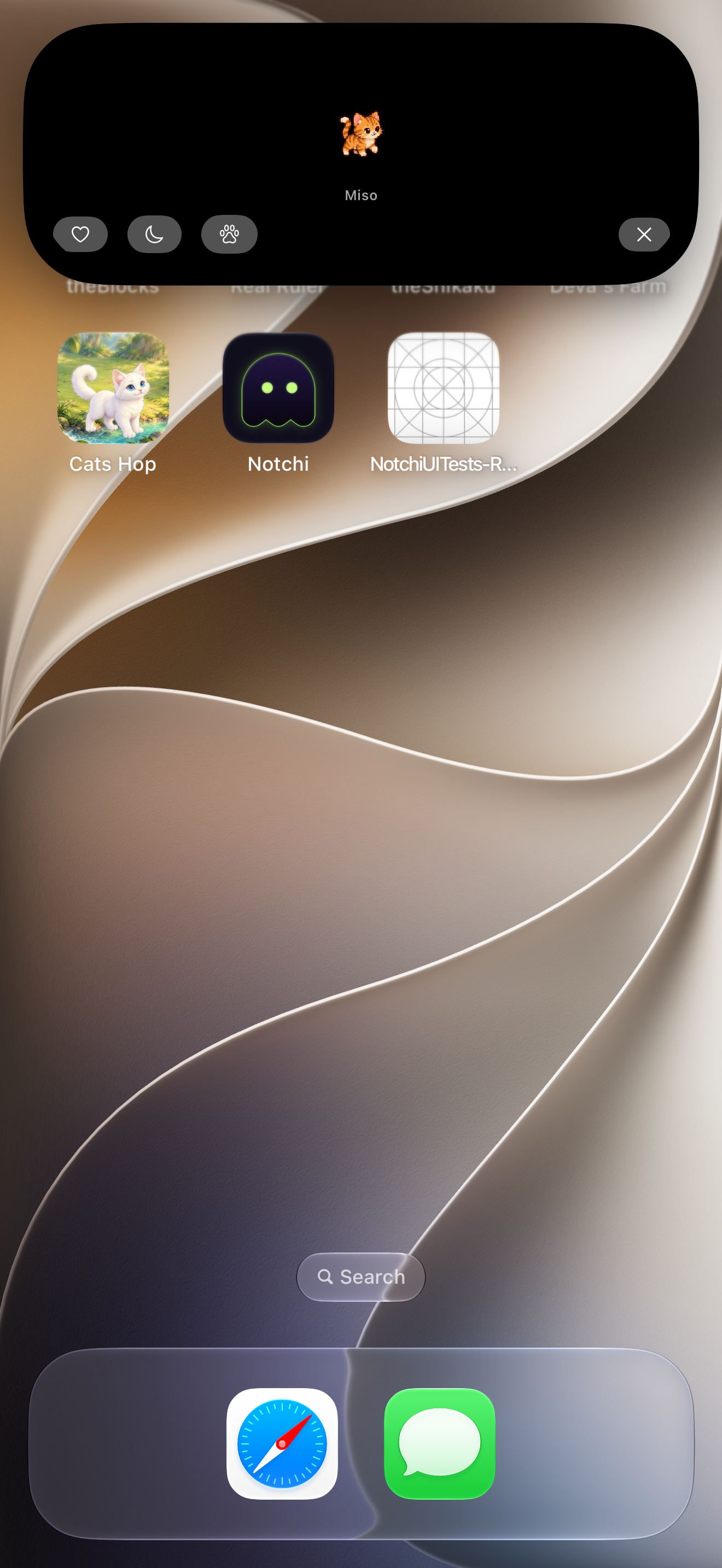
- 03 · Lock ScreenLiquid Glass
Lock Screen Live Activity
Keep your chosen companions in a Lock Screen Live Activity, with Glass, Solid, and colorful styling options. Display behavior depends on your device and iOS.
Meet a few Pixel Pals
Meet nine of Miso’s friends. Their rest, greeting, nap, walk, peekaboo, peek up, and butterfly actions live in the app.

Biscuit
CapybaraUnbothered, relaxed, and always tranquil beside your notch.

Clover
BunnyA gentle bunny with curious ears and a playful streak.
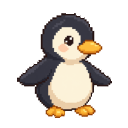
Pip
PenguinWaddles proudly along the Dynamic Island curved lane.
The living studio
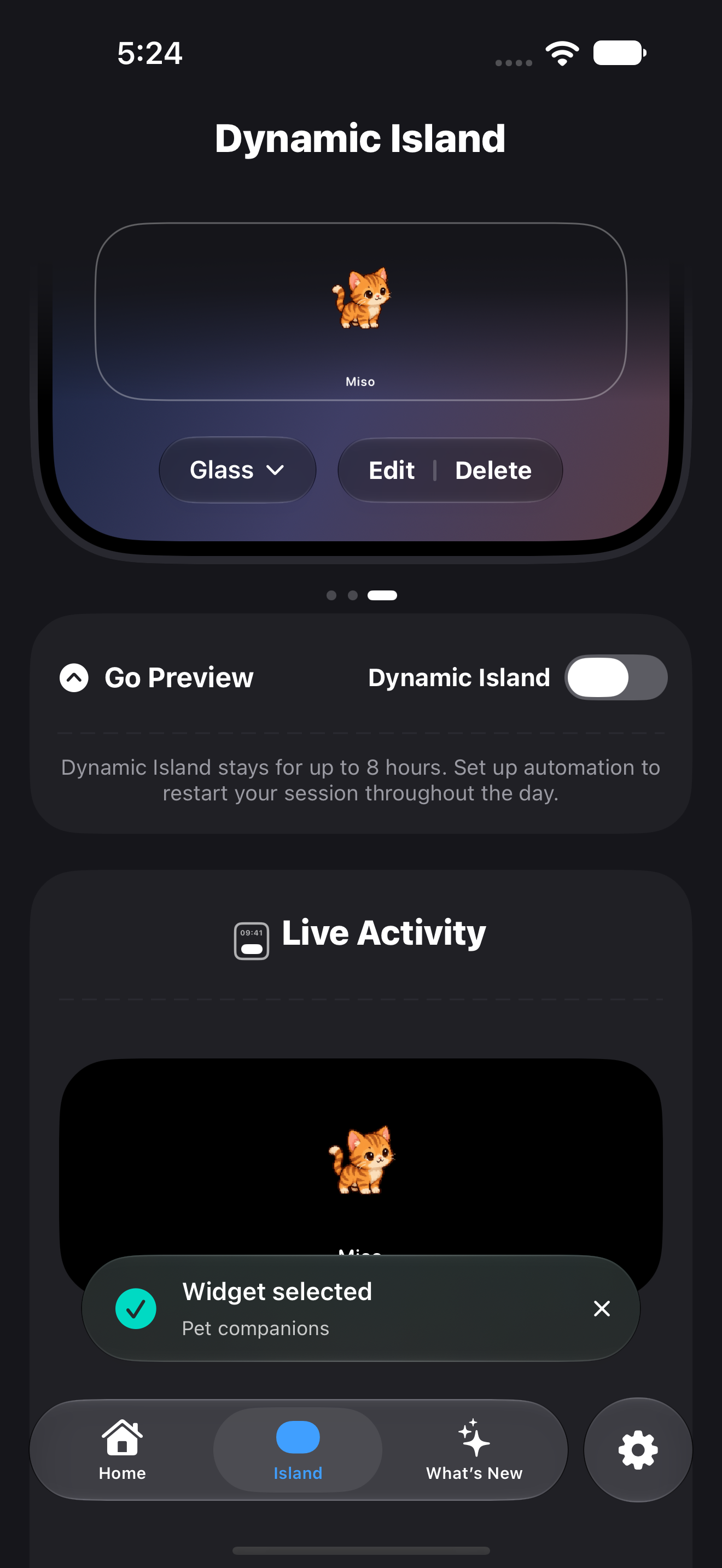
Pick a companion, choose its side, and personalize its actions in the app. These screenshots show the current Notchi interface.
Simple, transparent pricing
Start with every Miso animation and Ultraviolet Notchi at rest. Choose monthly, annual, or lifetime Pro to unlock the available Pro collections and icon finishes.
Monthly Pass
- ✓ All available Pro collections
- ✓ Pro colors and companion customization
- ✓ Nine alternate app icons
- ✓ Auto-renews monthly until canceled
Annual Pass
- ✓ All available Pro collections
- ✓ Pro colors and companion customization
- ✓ Dual-slot pairing & companion rooms
- ✓ Nine alternate app icon finishes
- ✓ Auto-renews annually until canceled
Lifetime Pass
- ✓ One payment, no auto-renewal
- ✓ All available Pro collections
- ✓ Nine alternate app icon finishes
- ✓ Restore purchases through Apple
India price examples. Local prices and taxes are shown by Apple before you confirm. Monthly and annual plans auto-renew until canceled; lifetime does not. Purchases open in the app when Notchi is available on the App Store. Terms of Use · Privacy Policy
Frequently asked questions
How do Pixel Pals work in the Dynamic Island?
Notchi uses Apple's ActivityKit framework to render native Live Activities directly inside the Dynamic Island. Your chosen companion appears in the left or right slot. Preview animations play inside the app; system animations and refreshes are controlled by iOS.
Can I display two Pixel Pals at the same time?
Yes! Notchi is built with independent left and right slots. You can place Biscuit the Capybara on the left and Clover the Bunny on the right, or pair a pet on one side with live weather temperature on the other.
How long does a Dynamic Island session last?
By Apple's system design, iOS Live Activities last for up to 8 hours before the system dismisses them. Notchi provides an Apple Shortcuts action (Restart Island session) so you can create a simple automated schedule (e.g. at 06:00, 12:00, 18:00) to keep your Pixel Pals active all day effortlessly.
Does it drain battery?
Power use depends on your setup and device. iOS limits Live Activity updates and may pause animations or dim the Always-On display. Notchi does not guarantee continuous background animation.
Which devices are supported?
Notchi requires iOS 26 or later. Dynamic Island features need an iPhone with Dynamic Island hardware. Live Activity visibility and animation depend on iOS.